Approving a fix
Approval is the boundary between a proposal and a change. This page covers what to read before deciding and what each decision sets in motion.
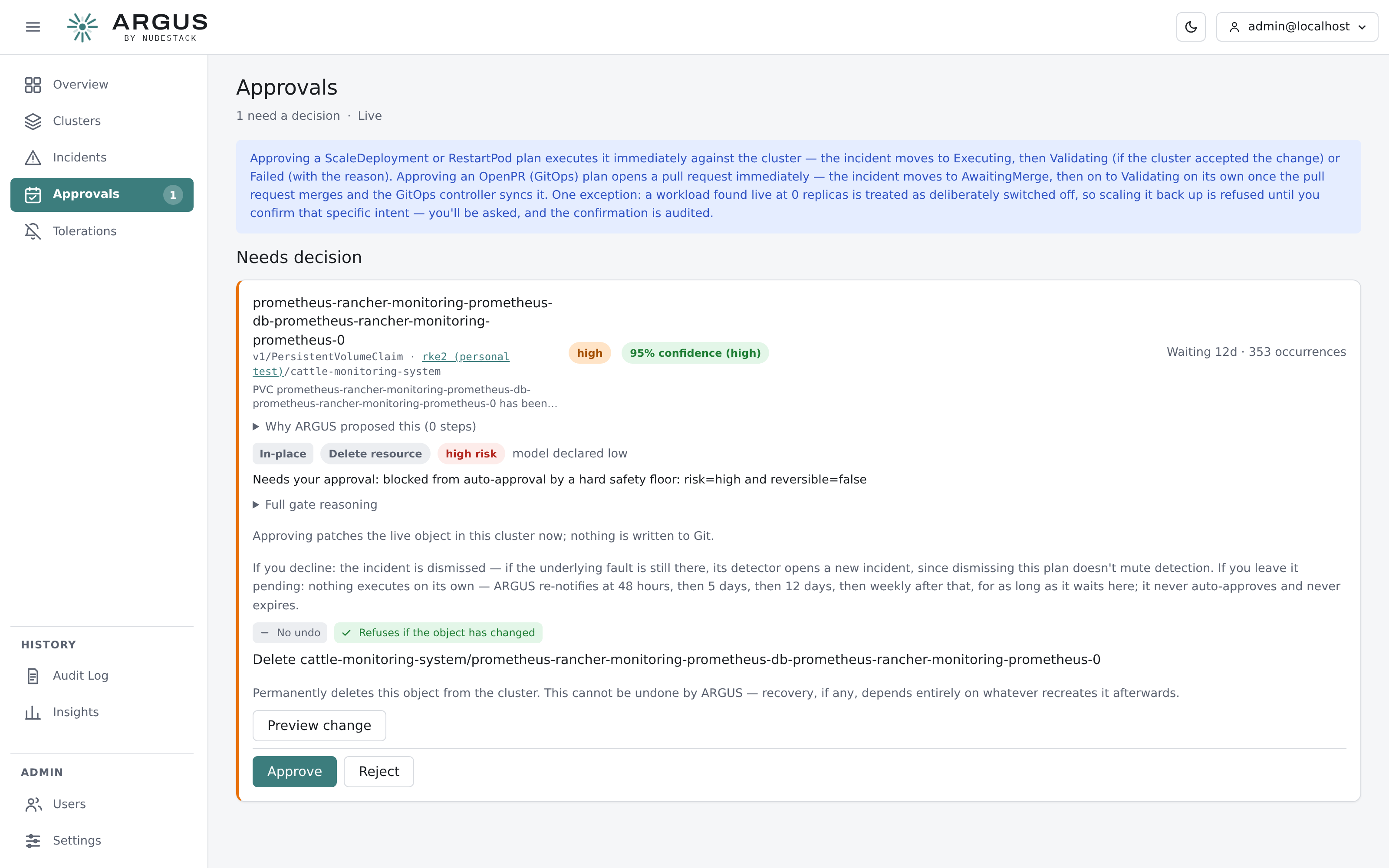
The approvals queue collects every plan waiting on a person. Each entry links back to the incident it belongs to, where the same decision can be made in context.
Where to approve
Two places, same decision:
- Approvals — the queue, for working through what is waiting
- The incident's approve card — the same controls, with the evidence on screen above them
What to read first
| Read | Why |
|---|---|
| The target | Cluster, namespace, kind and name. Confirm it is the object you think it is |
| The action | What will actually happen, not the summary of the cause |
| The rendered change | The field and value, or the file diff. Read the change, not the description of it |
| Risk and reversibility | Whether ARGUS can undo this if it is wrong |
| The evidence | The causal chain the plan rests on |
What approval does immediately
Approval is not a queue entry. It acts.
| Plan type | What happens on approval |
|---|---|
| In-place action | Executes against the cluster. The incident moves to executing, then validating or failed |
| Pull request | A pull request opens. The incident moves to awaiting merge |
For an in-place change, ARGUS signs the plan, checks the object has not changed since the plan was built, and rehearses it with a server-side dry-run before applying. A rehearsal the API server rejects stops the change and shows the rejection.
Rejecting
Rejecting refuses this plan. Nothing executes, the fault is unchanged, and the incident stays open with your reason recorded on the recommendation card.
That is a different act from closing the incident. If the fault itself is accepted or being handled elsewhere, dismiss the incident instead — see Closing an incident.
After a rejection you can re-analyse for a different fix, fix it at the source yourself, or close the incident out.
Deliberate friction
Some approvals ask for more than a click.
A workload found at zero replicas is treated as deliberately switched off, so scaling it back up is refused until you confirm that specific intent. The confirmation is recorded.
A live change to a GitOps-managed object is refused unless you confirm you mean to override the controller, because the change will be reverted at the next sync.
Approving without executing
The ability to approve and the ability to change a cluster are separate permissions. A role can be allowed to approve pull requests without being allowed to touch a live cluster. See Roles and capabilities.