Configure analysis
ARGUS needs one AI provider to investigate anything. Configure it and test it before you enrol clusters, so your first incident can be investigated the moment it appears.
Go to Settings → AI providers.
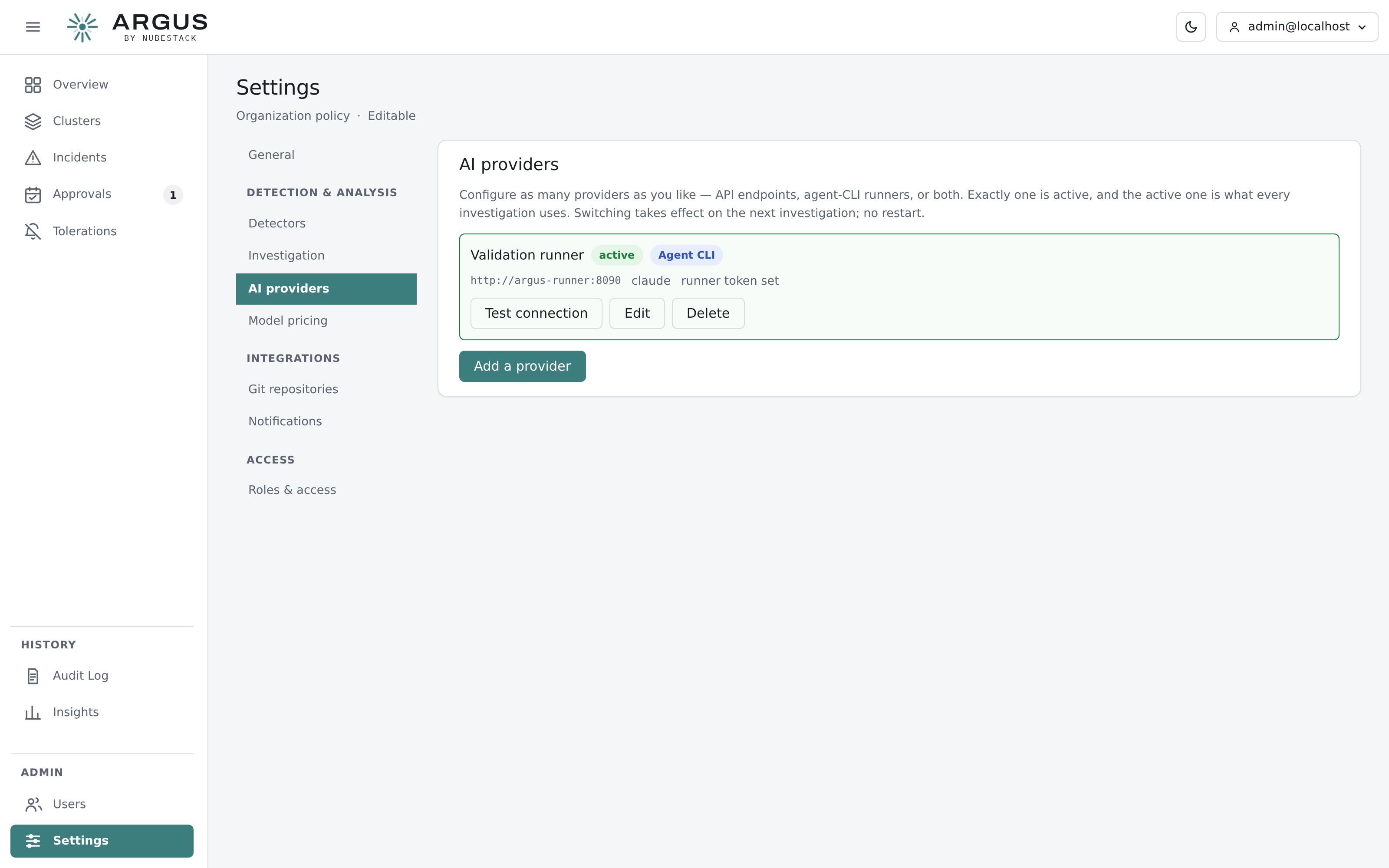
Configure as many providers as you like. Exactly one is active, and the active one is what every investigation uses. Switching takes effect on the next investigation — there is no restart.
Choose a provider kind
| Kind | Use it when |
|---|---|
| API endpoint | You have an OpenAI-compatible endpoint and a key, hosted anywhere including your own infrastructure |
| Agent CLI | You deployed the optional runner beside the hub and want ARGUS to drive an agent CLI |
API endpoint
| Field | Value |
|---|---|
| Base URL | Your provider's endpoint |
| Model | The model name as the provider expects it |
| API key | Your key |
Agent CLI runner
| Field | Value |
|---|---|
| Runner URL | The address of the runner service beside the hub |
| Agent | Which CLI the runner should drive |
| Runner token | The shared token the runner expects |
Test before you rely on it
Select Test connection. A failing test names the reason — an unreachable URL, a rejected key, an unknown model — which is considerably easier to read now than as a failed investigation later.
Bounding cost and time
Settings → Investigation bounds every investigation: a maximum number of model round-trips and a wall-clock limit. The defaults are eight iterations and 180 seconds. An investigation that reaches a bound stops and reports what it found so far, marked as partial, rather than continuing indefinitely.
Set a daily spend ceiling under Settings → Model pricing so cost is visible on the overview and bounded in advance. See Model pricing and spend.