AI tools and tokens
Claude Code, Cursor, VS Code or any other MCP client can use ARGUS as you: list clusters, read incidents and their analyses, browse signals, search objects across the fleet, and run the same live inspections the cluster pages offer. Set it up under Settings → AI tools & tokens.
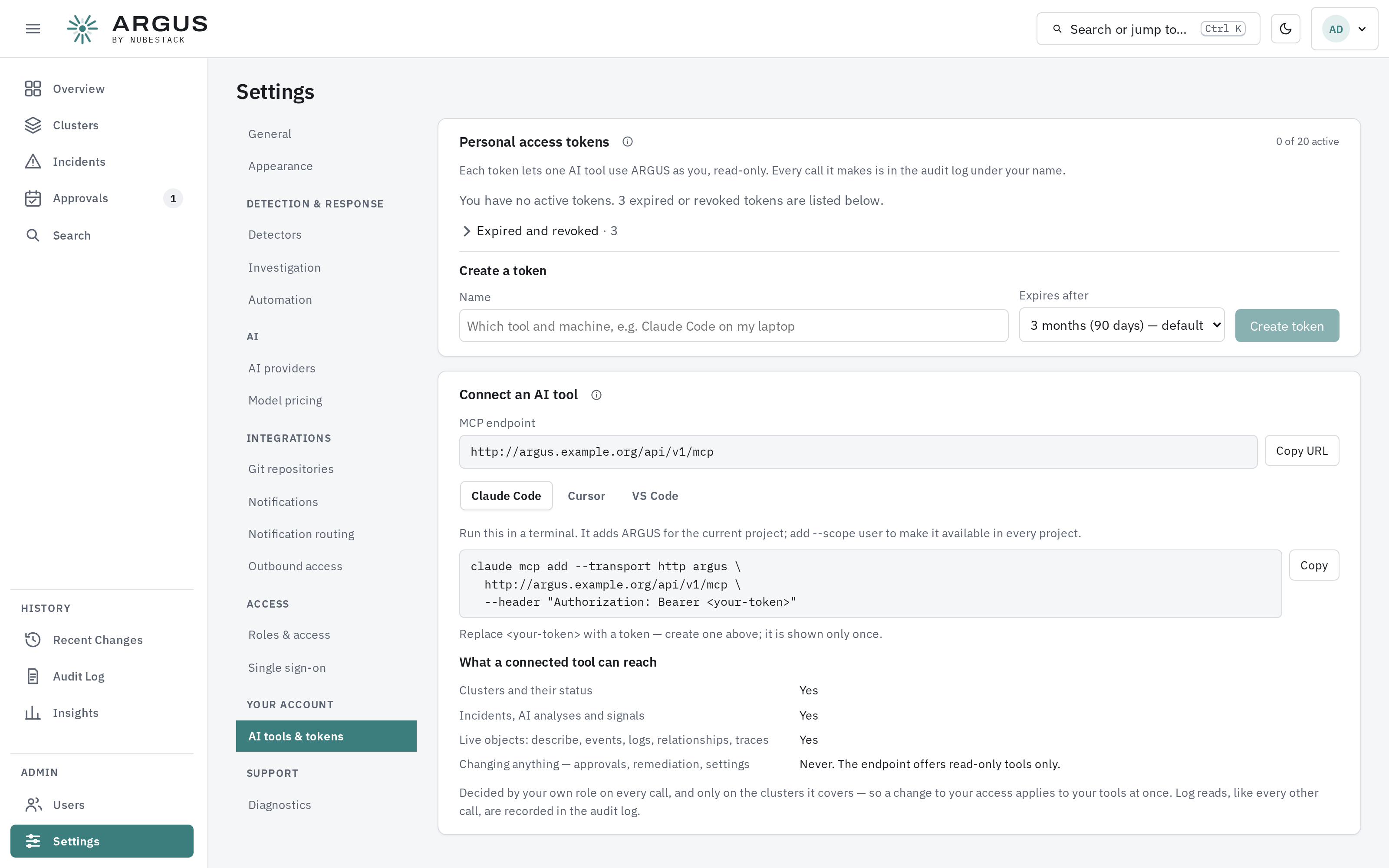
Create a token, then copy the setup for your tool. The page lists what a connected tool can and cannot reach.
Create a token
- Under Create a token, name it after the tool and machine it is for, and choose how long it lasts: 90 days by default, a year at most.
- Select Create token and copy it at once. ARGUS keeps only a hash, so it is shown once. You can hold up to 20 active tokens.
Connect a tool
Connect an AI tool gives the MCP endpoint and a setup snippet for Claude Code, Cursor and VS Code. For Claude Code:
claude mcp add --transport http argus https://argus.example.com/api/v1/mcp \
  --header "Authorization: Bearer <your-token>"
Then ask your tool about your fleet — "list the ARGUS clusters", "describe deployment web in namespace shop on cluster prod". A tool names a cluster by its display name or identifier.
What a token can reach
A token carries your own role, checked on every call, cluster by cluster:
| Reaching | Needs |
|---|---|
| Clusters and their status | View clusters and their status |
| Incidents, analyses and signals | View incidents |
| Live objects: describe, events, logs, relationships, traces, diagnosis | Inspect live objects, events and logs on demand |
| Holding a token at all | Use ARGUS from your own AI tools, in every built-in role |
Nothing on this endpoint can change anything: approvals, remediation and settings are not offered at all. A tool you lack the capability for answers with an error naming it.
Revoking
Revoke a token from the same page the moment a machine is lost or a tool is retired; it stops on its next call. Disabling your account stops all your tokens. You can always list and revoke your own tokens, even if your role no longer allows creating them.
Every call is written to the audit log under your name with the token, the tool, the cluster and the outcome. Each token is limited to 60 calls a minute.