Single sign-on
Let people sign in with your own identity provider instead of an ARGUS password. Configure it under Settings → Single sign-on.
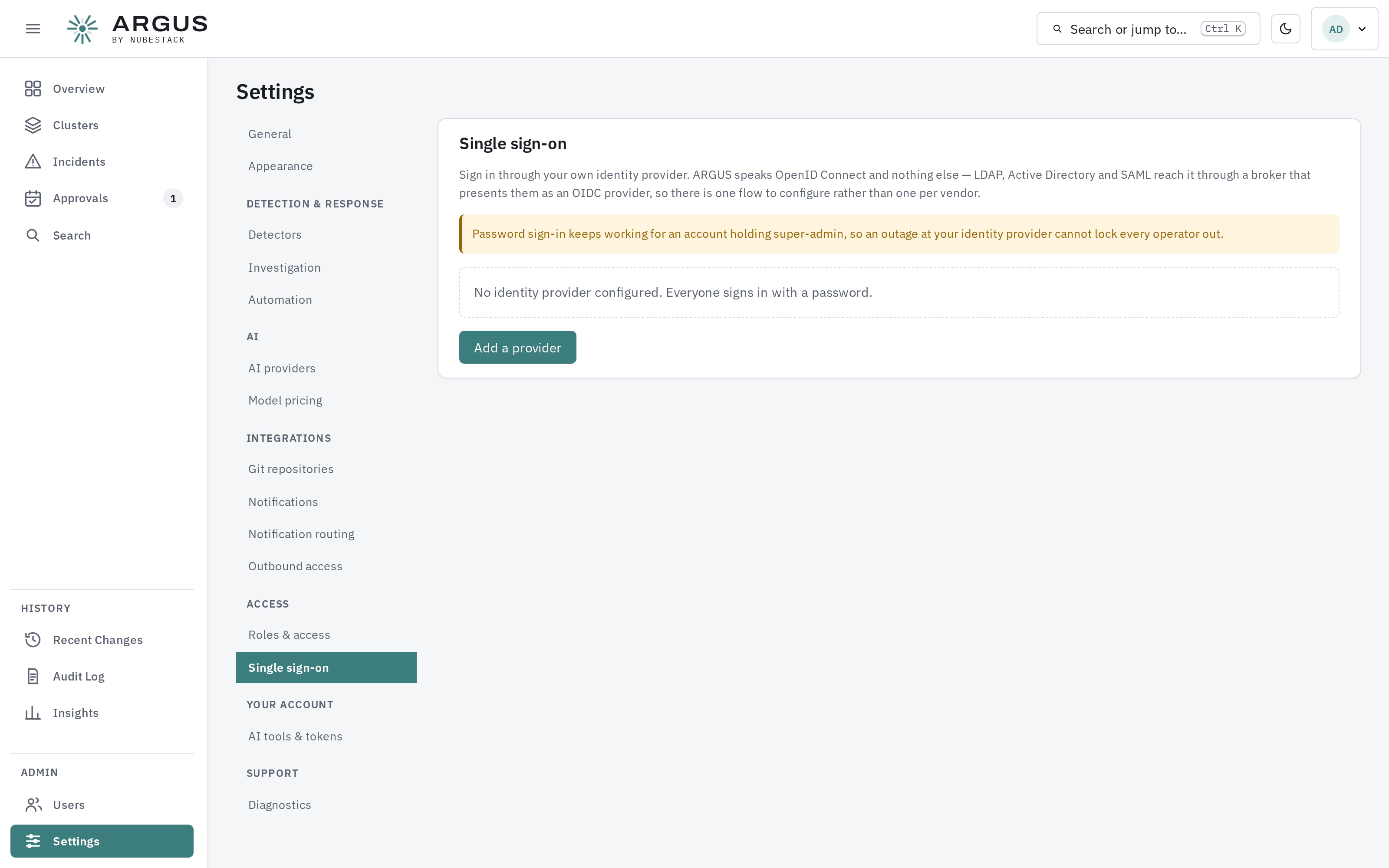
Until a provider is added, everyone signs in with a password. Password sign-in keeps working for super-admin accounts afterwards, so an identity-provider outage cannot lock every operator out.
One protocol
ARGUS speaks OpenID Connect and nothing else. Directories that do not — LDAP and on-premises Active Directory among them — reach it through a broker that presents them as an OIDC provider, so there is one flow to configure however many directories sit behind it.
Connectivity
Three connections make up a sign-in, and none of them is inbound to ARGUS:
| Connection | Made by |
|---|---|
| To the provider's sign-in page | The operator's browser |
| Back to ARGUS with the result | The operator's browser |
| To the provider, to verify what the browser brought back | The hub |
The identity provider never connects to ARGUS. That means a hosted provider works from a private network as long as the hub can make outbound HTTPS requests to it and operators can reach both in a browser, and it means your redirect address can be an internal one that nothing on the internet can resolve.
Supported providers
Anything that is an OpenID Connect provider works directly:
| Run by you, entirely internal | Hosted, reached outbound |
|---|---|
| Keycloak | Microsoft Entra ID |
| Authentik | Okta |
| Dex | Auth0 |
| Zitadel | GitLab |
| AD FS (2016 and later) | Google Workspace |
Active Directory
Which route applies depends on which Active Directory you have:
| What you run | Route |
|---|---|
| On-premises AD, reached over LDAP | Through a broker |
| AD FS | Directly |
| Entra ID | Directly |
LDAP
LDAP is not an OpenID Connect provider, so it is configured in a broker and ARGUS is pointed at the broker. Keycloak and Dex both take an LDAP directory and present it as one.
A reasonable default for an internal deployment
Run Keycloak or Dex beside the hub and put your directory behind it. Everything stays on your own network, ARGUS has one provider to configure, and the broker absorbs the directory's particulars. Choose Keycloak if you want an administration interface, Dex if you would rather configure a small service from a file.
Before you start
These are the settings that most often have to be changed at the provider rather than in ARGUS.
The issuer must be HTTPS, and the hub must trust its certificate. Plain HTTP is
accepted only for localhost. A publicly issued certificate works as it is; for a private
certificate authority, mount its certificate into the hub and point SSL_CERT_FILE at it.
Entra ID sends group identifiers rather than group names. A mapping written as
platform-team will match nothing, because what arrives is a GUID. Either map the GUID, or
configure Entra to emit group names.
Okta does not include groups until you ask it to. Add a groups claim to the authorisation server, or mappings match nothing.
Google Workspace does not put group membership in the sign-in token at all. It authenticates people correctly, and group mappings cannot work from it directly — put Dex in front of it if you need groups to grant roles.
The groups claim itself is forgiving: name the claim in the provider form, and ARGUS accepts a list, a single value, or several values separated by spaces or commas.
Adding a provider
| Field | What to enter |
|---|---|
| Display name | What the button on the sign-in page will say |
| Issuer URL | Your provider's issuer. ARGUS fetches its OpenID configuration when you save |
| Client ID | The client you registered for ARGUS |
| Client secret | Stored encrypted. On an edit, leave blank to keep the existing one |
| Redirect URI | Register this exact value with your provider |
| Scopes | openid, email, profile and groups by default |
| Groups claim | The claim carrying group membership, groups by default |
The issuer is checked when you save, so a wrong or unreachable URL is refused there rather than at somebody's first sign-in.
The issuer must be HTTPS
Plain HTTP is accepted only for localhost. An OIDC issuer reached over HTTP on a
routable address can be intercepted, and the token ARGUS validates is what decides who
somebody is.
Group mappings
Authenticating and being authorised are separate. A provider with no group mappings lets people prove who they are and grants them nothing.
Each mapping pairs one directory group with one ARGUS role, and applies to every cluster.
Mappings are re-checked at every sign-in. Somebody removed from a group in your directory loses the matching access the next time they log in, without anyone editing ARGUS. Only grants ARGUS created from a provider are touched — a grant you made by hand is left alone, so the two never fight.
Password sign-in after you enable a provider
Once a provider is enabled, password sign-in is refused for ordinary accounts: those people sign in through the provider.
An account holding super-admin keeps its password. That is deliberate, so an outage at your identity provider cannot lock every operator out of the hub. Keep one such account, with a strong password you can retrieve, and treat it as break-glass.
Federated and local accounts
An account is either local, with a password, or federated, with an issuer and subject — never both. A federated account has no password to guess, reset or leak.
Who can configure this
Managing identity providers is its own capability, separate from other settings, because editing a group mapping re-authorises everyone in a directory group at once. See Users and roles.